PhysicsGX
A downloadable PhysicsGX for Windows, Linux, and Android

PhysicsGX — Alpha 0.2
A 3D Physics Sandbox Built with Godot Engine
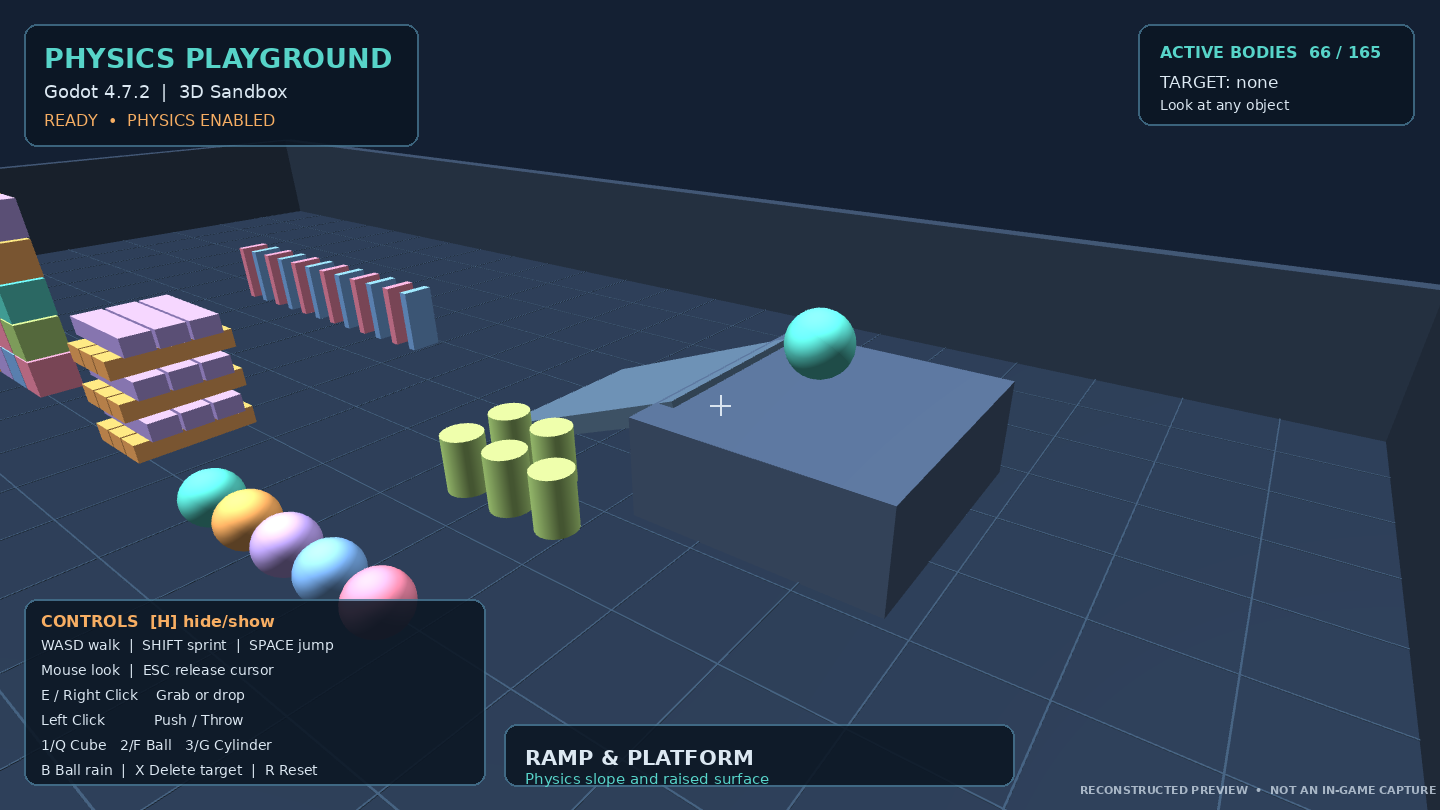
Welcome to PhysicsGX, a free 3D physics sandbox where you can explore, interact with objects, and experiment with gravity, collisions, and physical forces.
PhysicsGX is a personal game development project created using Godot Engine 4.7.2.
The game focuses on providing a simple interactive environment where players can experiment with physics without following specific missions or objectives.
Pick up objects, throw them, push structures, and explore how different objects react to each other.
Alpha 0.2 introduces background music and sound effects, making the playground more interactive and enjoyable.
About the Game
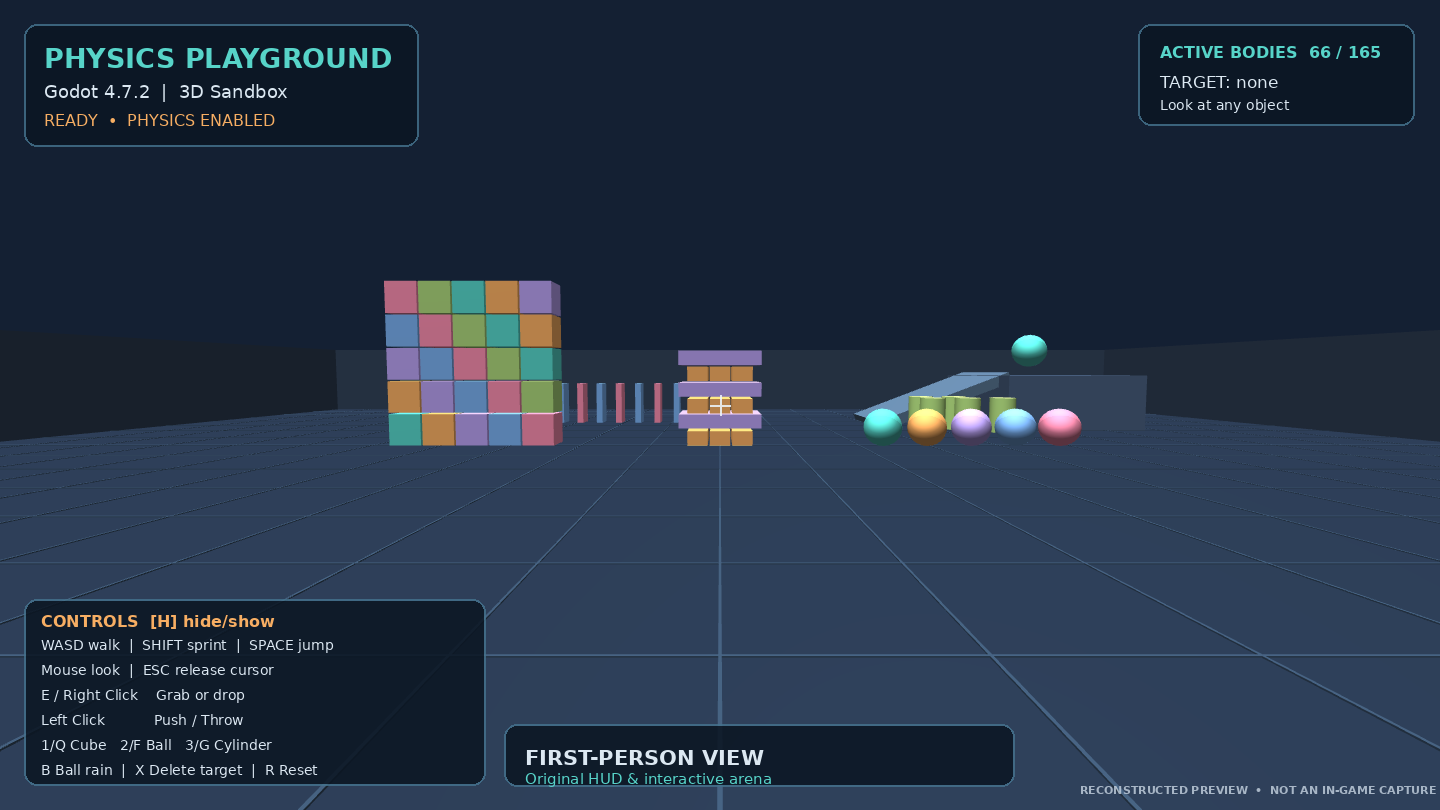
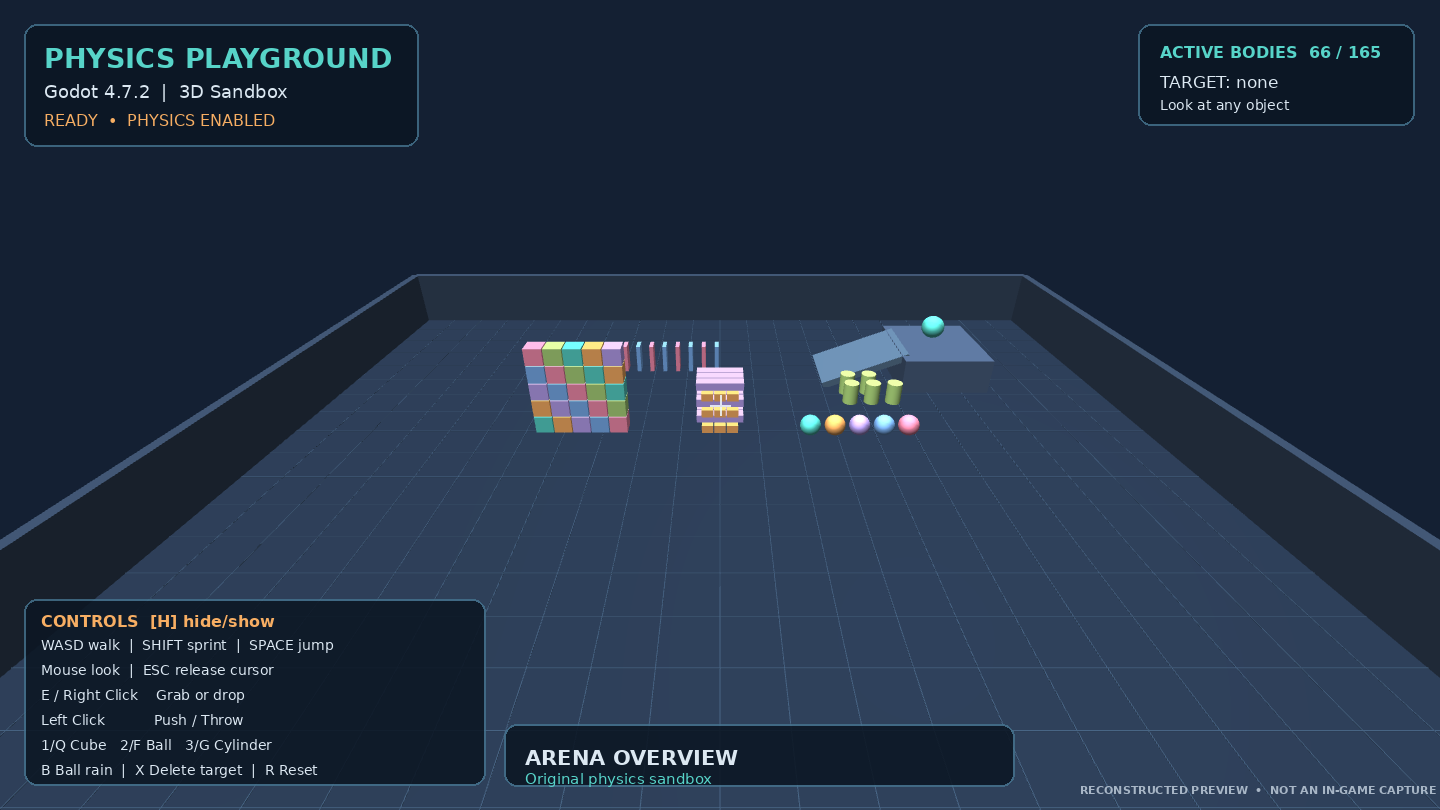
PhysicsGX is designed around an open 3D physics playground.
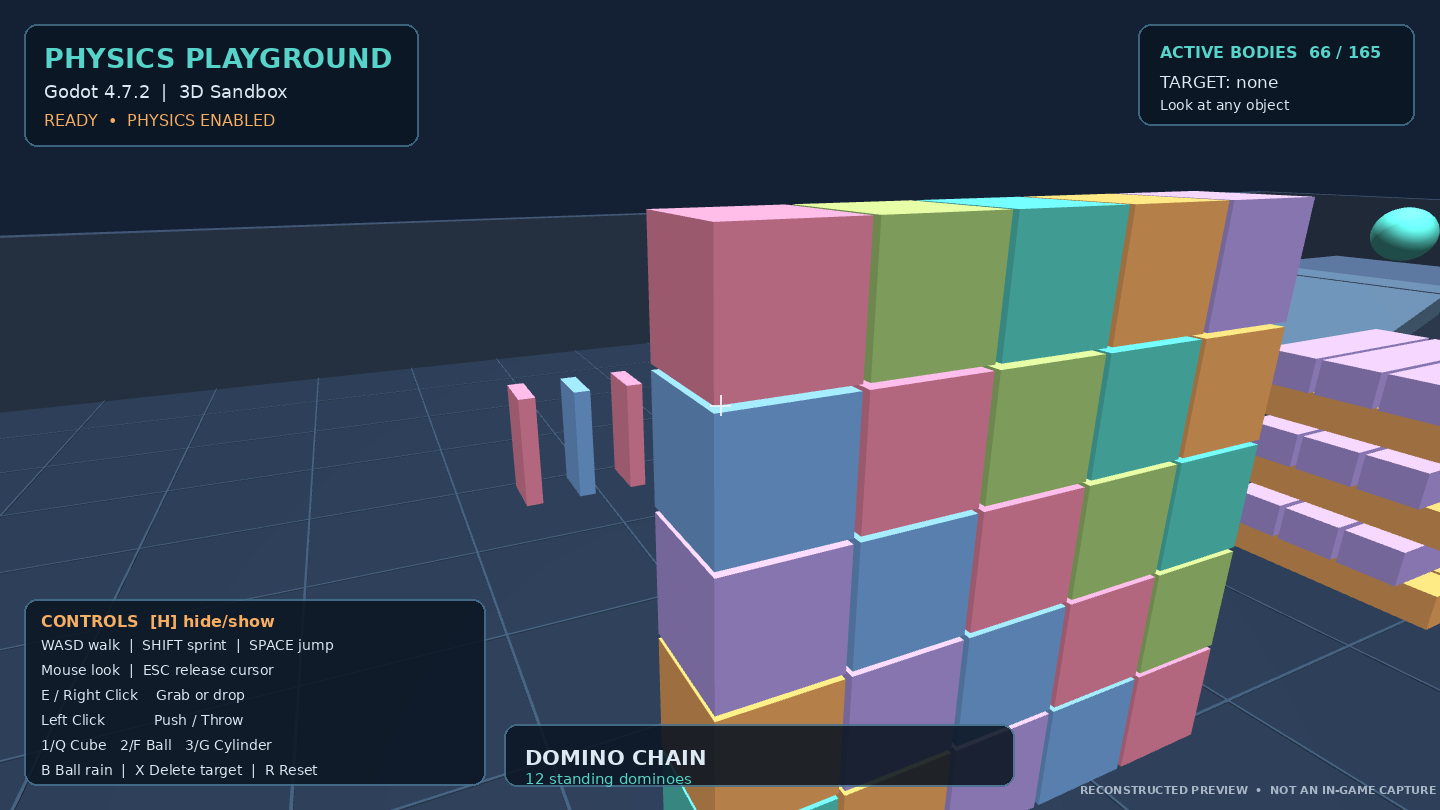
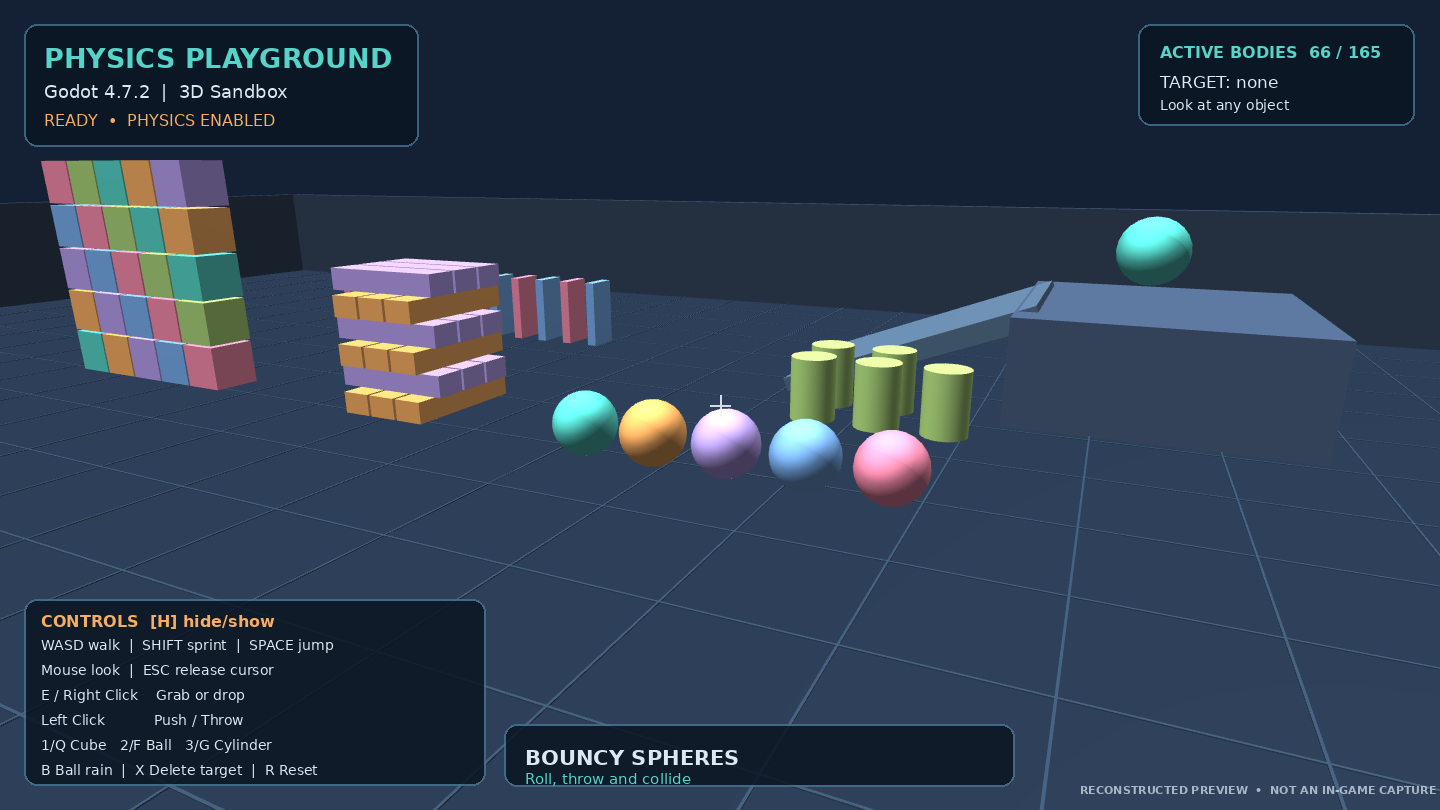
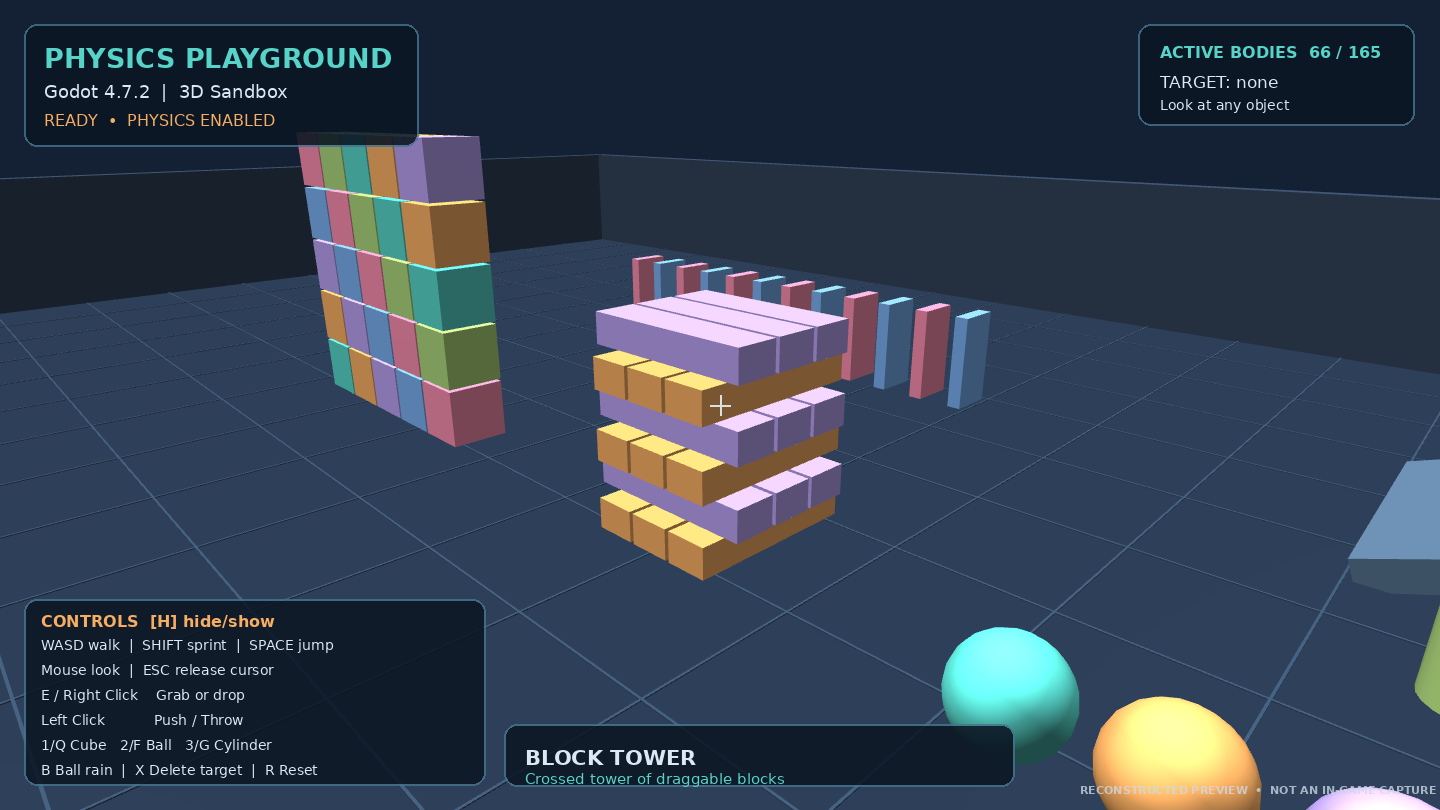
The environment contains various objects and structures that respond to gravity and collisions.
Players can interact with cubes, spheres, and other physical objects using a first-person perspective.
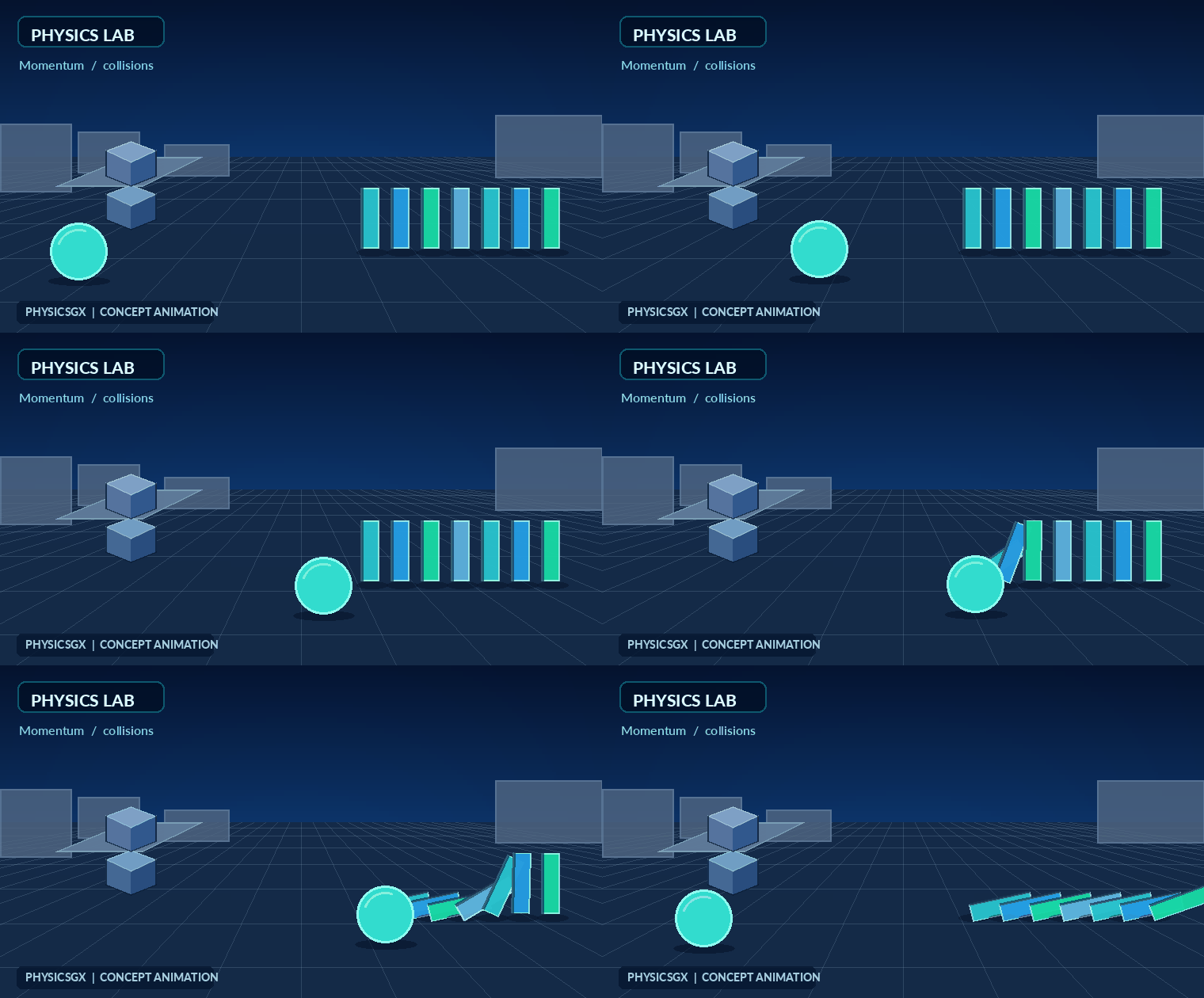
You can experiment with different interactions, knock down structures, create chain reactions, or simply explore the environment.
The main idea behind PhysicsGX is to give players the freedom to experiment and discover interesting physics interactions.
There are no complicated rules, missions, or objectives.
The playground is yours to explore.
Game Features
Interactive Physics Environment
Explore a 3D environment where physical objects respond to gravity, movement, and collisions.
Object Interaction
Grab, move, push, and throw different objects around the playground.
Physics-Based Objects
Experiment with cubes, spheres, and various structures designed for physical interactions.
First-Person Exploration
Move freely around the environment and interact with objects from a first-person perspective.
Structures and Experiments
Explore different arrangements of physical objects and experiment with chain reactions, falling structures, and collisions.
Real-Time Physics
PhysicsGX uses Godot's physics engine to simulate object movement and interactions.
What's New in Alpha 0.2
Alpha 0.2 focuses on improving the audio experience while keeping the original gameplay mechanics.
The first release introduced the basic physics playground. This update adds sound to make interactions feel more responsive.
Background Music
Background music has been introduced to make the environment more enjoyable during gameplay.
The music is designed to provide a relaxed atmosphere while experimenting with physics.
Sound Effects
New sound effects provide additional feedback during gameplay.
These include sounds associated with object collisions and interactions.
Improved Audio Experience
The addition of music and sound effects makes the playground feel more active compared to the original release.
The core physics gameplay remains unchanged, allowing players to continue experimenting with the same objects and structures.
PhysicsGX — Keyboard & Mouse Controls
Movement & Camera
W — Move forward.
A — Move left.
S — Move backward.
D — Move right.
Left Shift — Sprint while moving.
Space — Jump.
Mouse Movement — Look around and control the camera.
Object Interaction
G — Grab or release the object you're aiming at.
Right Mouse Button — Grab or release an object.
Left Mouse Button — Push an object forward.
Left Mouse Button (While Holding an Object) — Throw the held object.
Mouse Wheel Up — Bring the held object closer.
Mouse Wheel Down — Move the held object farther away.
Object Spawning
1 / Q — Spawn a cube.
2 / F — Spawn a sphere.
3 — Spawn a cylinder.
4 — Spawn a domino.
B — Spawn eight physics spheres simultaneously.
Environment Controls
R — Reset the entire physics playground.
X — Delete the object you're aiming at.
Delete — Delete the targeted object.
Backspace — Delete the targeted object.
H — Show or hide the controls panel.
Vehicle Controls
PhysicsGX includes a drivable vehicle with dedicated keyboard controls.
Approach either front door of the vehicle to display the interaction prompt:
PRESS E — ENTER CAR
Entering & Exiting
E — Enter the vehicle when standing near a front door.
E (While Driving) — Exit the vehicle.
Driving
W — Accelerate forward.
S — Brake while moving forward or reverse at low speed.
A — Steer left.
D — Steer right.
Space — Apply the handbrake.
Left Shift — Apply the regular brakes.
Additional Vehicle Controls
F — Sound the vehicle's horn.
C — Reset the vehicle to its original parking position.
R — Reset the entire playground, including the vehicle.
Audio Controls
M — Enable or disable background music.
N — Enable or disable sound effects.
Mouse & Interface
Escape — Release the mouse cursor.
Left Mouse Button (When Cursor Is Released) — Capture the mouse and return to camera control.
H — Toggle the controls panel.
Object Interaction
E — Pick up or release an object.
Right Mouse Button — Pick up or release an object.
Left Mouse Button — Push an object.
Left Mouse Button (While Holding an Object) — Throw the object forward.
Mouse Wheel Up — Bring the held object closer.
Mouse Wheel Down — Move the held object farther away.
Object Spawning
1 — Spawn a cube.
Q — Spawn a cube.
2 — Spawn a sphere.
F — Spawn a sphere.
3 — Spawn a cylinder.
G — Spawn a cylinder.
4 — Spawn a domino.
B — Spawn eight spheres at once.
Environment Controls
R — Reset the physics playground.
X — Delete the object you're looking at.
Delete — Delete the selected object.
Backspace — Delete the selected object.
H — Show or hide the controls panel.
Audio Controls
M — Enable or disable background music.
N — Enable or disable sound effects.
Mouse Controls
Escape — Release the mouse cursor.
Left Mouse Button (When Cursor Is Released) — Capture the mouse again.
Additional Information
Some interactions require you to aim directly at a physics object.
Objects can be picked up, pushed, dropped, or thrown depending on their physical properties.
PhysicsGX is currently in Alpha development, so controls and interactions may change in future updates.
Touch Screen
PhysicsGX features a redesigned touchscreen control system, with an icon-based interface inspired by modern mobile games.
The controls use different button sizes and positions to make movement, interaction, and driving more comfortable on mobile devices.
Movement & Camera
Virtual Analog Joystick — Located on the bottom-left side of the screen. Drag your finger in any direction to move your character.
Analog Movement Speed — Moving the joystick farther from its center gradually increases movement speed.
Camera Control — Swipe across an empty area on the right side of the screen to look around.
Multi-Touch Support — Move, rotate the camera, and interact with objects simultaneously.
Action Buttons
Open Hand Icon — Grab / Release
Pick up or release the object you're looking at.
The hand icon changes into a closed fist when aiming at a grabbable object or holding one.
Push Arrow Icon — Push / Throw
Push the object you're aiming at.
When holding an object, the icon changes to indicate throwing. Tap it to throw the object forward.
Jump Icon — Jump
Make your character jump.
Car Icon — Enter / Exit Vehicle
Approach a vehicle and tap the car icon to enter it.
Tap the same icon again to exit.
When you're close enough to enter, the game displays:
TAP CAR ICON TO ENTER
Cube + Icon — Spawn Object
Create a new physics object in front of your character.
Object Type Icon — Change Object
Switch between the available physics objects:
- Cube
- Sphere
- Cylinder
- Domino
The icon changes to display the currently selected object type.
Vehicle Controls
When entering a vehicle, the touchscreen interface automatically adapts to driving.
Analog Joystick — Control the vehicle's movement and steering.
Brake Icon — Apply the vehicle's handbrake while holding the button.
Horn Icon — Honk the vehicle's horn.
Reset Icon — Reset the vehicle.
Car Icon — Exit the vehicle.
Object spawning controls are hidden while driving.
Mobile Interface
The touchscreen interface includes:
- Icon-based buttons without text labels.
- Different button sizes for easier interaction.
- A custom arrangement of action buttons.
- Dynamic icons that change depending on the current action.
- Dedicated movement and camera controls.
- Automatic control changes when entering a vehicle.
The interface is designed to make PhysicsGX more comfortable to play on touchscreen devices while keeping the physics interactions accessible.
Available Platforms
PhysicsGX Alpha 0.2 is available for:
Windows
Linux
Android
Download the version compatible with your operating system.
The game is free to download and play.
Development Status
Current Version: Alpha 0.2
PhysicsGX is currently in early development.
The project is being developed gradually, with each update focusing on improving existing mechanics or introducing new features.
Since this is an Alpha release, some features may be incomplete, and bugs or unexpected physics behavior may occur.
Performance may also vary depending on your device.
Future development will focus on improving the physics playground, expanding the available experiments, and introducing more interactive features.
Previous Versions
Previous releases of PhysicsGX are preserved in the official version archive.
Alpha 0.1 — First Release
Introduced the original physics playground, basic object interactions, and first-person exploration.
Alpha 0.2 — Audio Update
Introduced background music and sound effects to improve the gameplay experience.
Older versions are available through the PhysicsGX Version Archive on GitHub : johntamer0404/PhysicsGX-Version-Archive: Official version archive for PhysicsGX, a 3D physics sandbox game developed with Godot. Contains previous releases for Windows, Linux, and Android, including downloadable builds, update history, and release notes.
Feedback and Bug Reports
PhysicsGX is still an evolving project, and player feedback is always welcome.
If you encounter a bug, experience performance problems, or have suggestions for future updates, feel free to leave a comment.
Feedback helps identify problems and improve future versions of the game.
Thank you for downloading and playing PhysicsGX.
Developed with Godot Engine 4.7.2
PhysicsGX — Alpha 0.2
Download
Install instructions
Download & Installation PhysicsGX — Alpha 0.1 is available for Windows and Linux. For Windows: 1. Download the Windows version of PhysicsGX. 2. Extract the .rar file using WinRAR or 7-Zip. 3. Open the extracted folder. 4. Run PhysicsGX.exe to start the game. 5. Enjoy. For Linux: 1. Download the Linux version of PhysicsGX. 2. Extract the .zip archive. 3. Open the extracted folder. 4. Give the game executable permission to run if necessary. 5. Launch the game. Important Notes: - No installation is required. Just extract and play. - A keyboard and mouse are recommended. - Keep all extracted files in the same folder. - PhysicsGX is currently in Alpha, so bugs may occur. - If you encounter any issues, please report them in the comments. Thank you for downloading PhysicsGX. Have fun experimenting with physics.
Development log
- PhysicsGX — Alpha 0.3 | Controls & Driving Update2 days ago
- PhysicsGX — Alpha 0.2 | Audio Update4 days ago
- PhysicsGX — Alpha 0.1 | First Release4 days ago